
A paperless dealership keeps every deal, invoice, title record and cost in one digital file per vehicle, so nothing lives in a folder, a glovebox or someone’s memory. For an independent lot, the biggest payoff is not less paper. It is seeing what each car really earned, because the costs are attached to the VIN the day they happen. Loturn is built for exactly that: per-car profit tracking, accounting, inventory and deal paperwork in one platform for independent used-vehicle dealers.
TL;DR
- Going paperless means one digital record per vehicle: purchase, transport, recon, deal documents and final gross.
- Federal and state law accept electronic records and signatures, but each state sets its own retention periods and inspection rules.
- Electronic titles and odometer records must be protected from alteration and logged, so access control matters as much as scanning.
- Start with the documents that cost you money when they go missing: purchase invoices, recon bills, deal jackets and titles.
- Pick software that carries costs through to profit, imports your existing data and protects customer information.
Table of Contents
- What paperless actually means on a used-car lot
- What the rules say about electronic records and signatures
- How to go paperless, step by step
- What to look for in paperless dealership software
- Loturn plans for independent lots
- Our view: paperless is a profit decision
- FAQ
- Sources
What paperless actually means on a used-car lot
Most small lots are “half paper”: a spreadsheet for inventory, a shoebox of recon receipts, a bookkeeper who sees the numbers a month late and a deal jacket that holds the only signed copy of something. Scanning those papers into a shared drive does not fix that. You have the same scattered information, only in PDF form.
A truly paperless operation digitizes the workflow, not just the documents. The records that move to a digital file include:
- Purchase paperwork: auction or private-party bills of sale, title information and payment records.
- Transport and recon: carrier invoices, repair orders, mechanic’s notes, diagnostic results and warranty-claim documentation.
- Sales documents: buyer’s orders, odometer statements, doc fees and signed contracts.
- Financing and floorplan: payoff records, interest and curtailments.
- Customer follow-up: leads, appointments and notes.
The test of a paperless dealership is simple. Can you open one VIN and see everything you paid and everything you collected, without asking anyone?
What the rules say about electronic records and signatures
The legal question comes first for most dealers: is a digital copy good enough? Generally yes, with conditions.
Federal law accepts electronic signatures
Under the federal E-SIGN Act, a signature, contract or other record in a transaction affecting interstate commerce cannot be denied legal effect solely because it is electronic (15 U.S.C. § 7001(a)(1)). When a consumer receives records electronically, the law also requires their affirmative consent, plus a clear statement of the right to withdraw consent, the hardware and software needed, and how to get a paper copy. Your e-sign workflow needs to capture that consent, not just a signature.
States set the details
Retention and inspection rules are where states differ, so check your own dealer manual or tax agency. Examples show the range:
| State | What the official page says |
|---|---|
| Michigan | Keep a record for each vehicle bought, sold, leased or exchanged for five years after the sale, available for inspection during business hours at your licensed location or an approved secondary location within 15 miles. |
| Wisconsin | Electronic signatures are allowed in vehicle sales, with no distinction from wet signatures. The dealer bears sole responsibility for the e-signature provider it picks. |
| California | The CDTFA requires adequate records of gross receipts, deductions and purchase prices, kept at least four years unless it authorizes earlier destruction in writing. |
| New York | Sales records may be kept on paper or electronically, and exempt sales need the exemption document or other evidence retained. |
| Massachusetts | For electronic registration, keep scanned originals securely for at least 90 calendar days, and keep backup copies for 5 years, which a service provider can maintain for you. |
| Maryland | Keep a copy of each odometer disclosure statement you issue and receive for five years, at your primary place of business. |
Two takeaways. First, five years is a common thread, but never assume it for your state. Second, in Wisconsin the choice of e-signature vendor is your liability, so you should know who handles your signed documents.
Electronic titles and odometer records
Federal odometer rules in 49 CFR Part 580 add technical expectations. Each electronic title must be kept in a secure environment protected from unauthorized modification, and the system must record when documents are created, when odometer disclosures are signed and when documents are accessed, including attempts to alter them. Electronic titles and powers of attorney must also be retained unalterable and in an order that allows systematic retrieval for at least five years after the relevant event, such as conversion to a paper title or a later title being issued.
In plain terms: a folder of loose scans that anyone can edit is not enough. You need access control and an activity trail. The same principle drives asset tracking in other industries, where RFID tool tracking controls record who handled what and when.
This article is general information, not legal advice. For your state’s exact retention rules, check your state dealer manual or ask your attorney or your state’s motor vehicle agency.
How to go paperless, step by step
1. List every place paper and data live today
Walk the lot and the office. Write down every form, every spreadsheet, every inbox that holds a vehicle or customer record. Industry guidance for dealers on data security tells them to inventory the data they hold, the systems where it is collected, stored or sent, and the vendors with access to customer information. That same list becomes your migration plan.
Where it goes wrong: dealers skip the informal sources, such as a manager’s phone photos or a text thread with the transporter, and those are where costs disappear.
What we do here: Loturn offers free data importation and setup assistance, so the starting list is something we help move rather than something you retype.
2. Make the VIN the center of every record
A digital system is only as good as its structure. Every purchase price, transport bill, recon invoice, fee and sale document should attach to a single vehicle record. If costs live in a general ledger by month and not by car, you have paperless bookkeeping that still guesses at profit. The method is laid out in our guide to the per-VIN unit cost rollup.
Where it goes wrong: a recon bill that covers three cars gets booked to one, and the gross on every car is wrong. Splitting a bill by VIN at entry avoids it.
What we do here: Loturn tracks every cost for each vehicle, from purchase price to transport and recon expenses, and assigns recon and transport costs to the car, so you see profit before the sale.

3. Capture costs when they happen
The paper habit is batching: receipts pile up, then someone enters them at month end. Paperless works when the cost is recorded the same day. That means photographing the invoice, having it read into the right fields, and tying it to the VIN. Our piece on AI document extraction for dealers walks through turning invoices into per-car profit.

On the lot, a mobile app matters as much as the office desktop. Counting and checking units with a phone is the basis of mobile inventory audits.
Where it goes wrong: costs still arrive late because the person who holds the receipt is not the person who enters it.
What we do here: Loturn includes AI invoice and document management and a mobile inventory app for cars, RVs, boats, bikes and trailers.
4. Move the deal itself to a digital file
The sale is where paper piles up fastest: buyer’s order, odometer statement, fees, financing and title paperwork. Put the deal into a single posting routine so gross is right when the deal closes. Our deal posting checklist shows the entries that prevent surprise gross, and doc fee tracking covers a setup that keeps fees clean.
If you sign electronically, remember the E-SIGN consent steps above and confirm your state accepts e-signatures for the document in question.
Where it goes wrong: deals are signed digitally but posted days later, so the books lag the lot.
What we do here: Loturn automates deal paperwork and includes real-time expense and gross tracking.
5. Set retention before you shred anything
Do not destroy a single paper original until you have confirmed your state’s retention period and inspection rules, and the digital copy meets them. Our dealership document retention map lays out FTC, IRS and DOJ expectations in one place. Remember Massachusetts-style rules that require you to hold scanned originals for a period even after scanning.
Where it goes wrong: a dealer shreds deal jackets after scanning, then learns the state wants originals for a set time.
6. Control who can see and change what
Electronic titles and odometer records must be protected from alteration, so not everyone should be able to edit everything. Define roles: the salesperson sees deals, the office manager posts costs, the owner sees everything. The practical setup is in our guide to dealership user permissions.
What we do here: Loturn protects data with bank-level encryption.
7. Use the digital data to look forward
Once costs and sales are current, forecasting stops being a guess. Days on lot, average gross by source and floorplan interest all come from the same records. A 13-week cash flow forecast is a good first projection, and tracking open lot versus floorplan accounting keeps interest from hiding in overhead. Loturn includes floorplan interest tracking and reporting and analytics, so these numbers come from the same record as every deal.
What to look for in paperless dealership software
Buy for the outcome, not the scanner. Judge each product on these points:
- Per-vehicle costing. Does it carry every cost to a VIN and show profit before the sale, or only store files?
- Real accounting. Is the accounting native, with an automotive chart of accounts, or does it export to a separate system that someone must reconcile?
- Migration. Who moves your existing inventory and records, and what does it cost?
- Security. How is customer information encrypted, who can access it and does it keep an activity log?
- Pricing. Is it a flat monthly fee, or are there add-on modules and per-transaction charges?
- People. When something breaks at 5 p.m. on a Saturday, does a person answer?
Loturn is designed around these points: every business tool in one flat monthly price, free data import and onboarding support, no add-on modules or per-transaction fees, and people who answer the phone.
Loturn plans for independent lots
Loturn has three plans, priced by dealership size and volume, each with every tool included:
| Plan | Price |
|---|---|
| Flipper | $99 per month |
| Dealer | $349 per month |
| Multi-Lot | $699 per month |
Plans start with a free trial, and data migration is included. See the Loturn pricing page to match a plan to your lot.
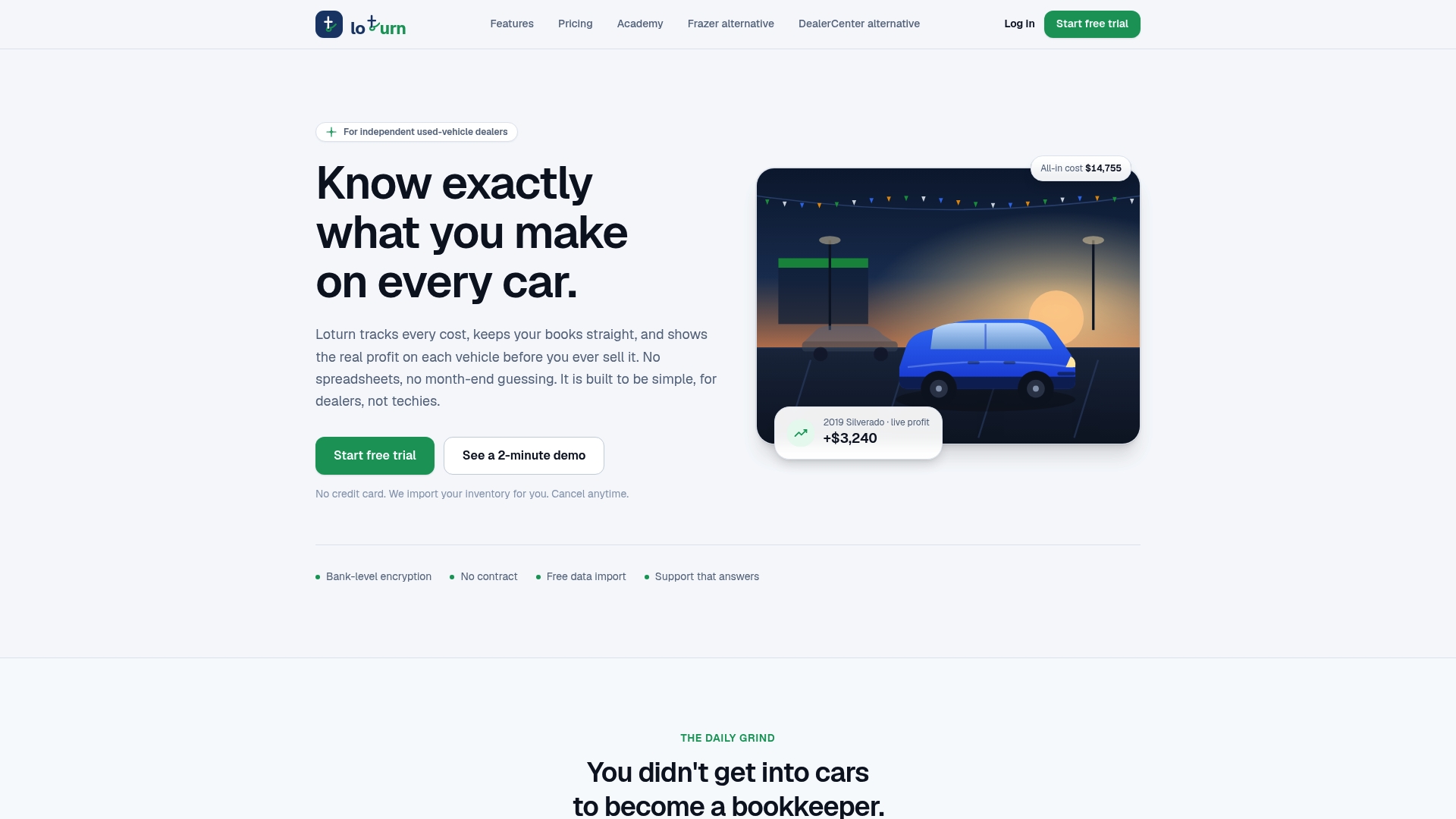
If your costs are scattered across receipts and spreadsheets, start with one question: which of your last ten sales do you know the true gross on? Loturn is where that answer lives for every car, and you can start from the Loturn homepage.
Our view: paperless is a profit decision
Most dealers we talk to describe going paperless as a filing problem. We see it as a profit problem. A scanned invoice that is not tied to a VIN is still a guess about gross.
That is why Loturn tracks every cost for each vehicle, from the purchase price to transport and recon, and why accounting, inventory, CRM, deal paperwork and reporting sit in one platform. When the records are one system, the digital file is also the books.
We built it for independent dealers who are tired of scattered costs and guessing profits. A flat monthly price, free data import and onboarding help, and real people on the phone mean you can focus on selling cars.
Eric Dosset
FAQ
Is a paperless dealership legal?
Yes. The federal E-SIGN Act says an electronic signature or record cannot be denied legal effect solely because it is electronic. Consumers must consent to electronic records, and states add their own retention and inspection rules, so check your state’s dealer manual.
How long do I have to keep dealer records?
It depends on the state and the record type. Michigan requires five years after the sale, California’s tax agency requires at least four years of sales records, and odometer copies are kept five years in Maryland. Confirm with your state agency before discarding anything.
Can I use electronic signatures on vehicle sales?
Often yes. Wisconsin, for example, treats electronic and wet signatures the same in vehicle sales, and holds the dealer responsible for the provider it chooses. Check your state’s rule for each document, and capture consumer consent as E-SIGN requires.
What should I digitize first?
Start with documents that affect profit and compliance: purchase invoices, transport and recon bills, deal documents, odometer statements and titles. Attach each to its VIN so the cost and sale history sit together.
Sources
- Workflow Automation for Auto Dealerships (Toshiba)
- E-SIGN Act, Title I: Electronic Records and Signatures in Commerce (govinfo.gov)
- Michigan Dealer Manual, Chapter 2
- Wisconsin DOT: E-signature requirements for vehicle sales transactions
- CDTFA: Record Keeping, Tax Guide for Motor Vehicle Dealers
- New York State Tax Department, Publication 838
- Massachusetts RMV: EVR Scanning & Tagging Guidelines for Dealers
- Maryland Interactive Title and Registration Manual
- 49 CFR Part 580, Odometer Disclosure Requirements
- CNCDA ComplyAuto Safeguards Rule Compliance Manual (2024)